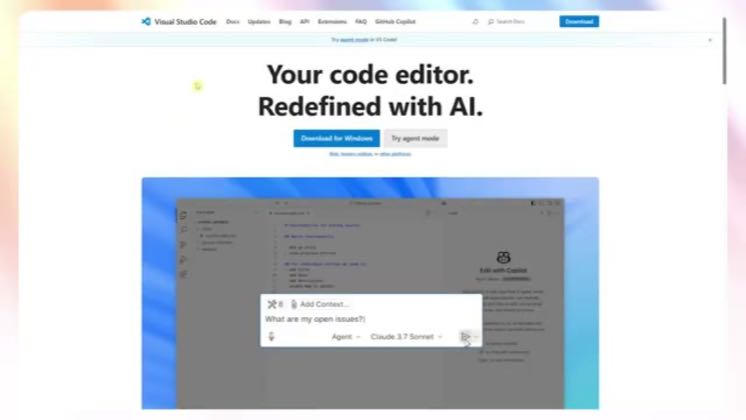
 1:47
1:47Plays here · Open on youtube ↗
“Your code editor. Redefined with AI.”
The opening line · 0:00 · move: other
Keeps the real Cursor interface on screen while resolving one reproducible setup, feature, debugging, or integration task: How to Use Cursor AI in VSCode (Beginner’s Guide 2025).
@Another Internet Guru · 4.7K followers · 0 of 30 recent posts mention Cursor · creator page →
- 0:00I have been jumping back and forth between Cursor AI and regular VS Code.
- 0:06Just trying to see which one actually feels better when you're in deep real coding.
- 0:11Here's what I found.
Keep Cursor's real interface visible while resolving one setup, debugging, preview, or integration task from click to proof.
Independent how-to channels and developer educators; commercial relationships are unverified · 26 creators · 26 posts
Open the full playbook →860@Another Internet Guru 165.3K@Greg Baugues
 78.1K@Origin Tech
 43.8K@CodeScene - Next Generation Code Analysis
this post · other creators who ran it
@Another Internet Guruyoutube · 4.7K followers · median 11 views · n=58best post86078.2×views · for CursorUnknown “How to Use Cursor AI in VSCode (Beginner’s Guide 2025)” identifies cursor; public caption checked, commercial relationship unverified — https://www.youtube.com/watch?v=1SyYHBr-1VMOpen creator →Views and likes are public counts at capture time. The multiple compares this post with the creator’s own recent median, not a claim about what caused its reach. Read the methodology →