 PAID1:00
Plays here · Open on tiktok ↗
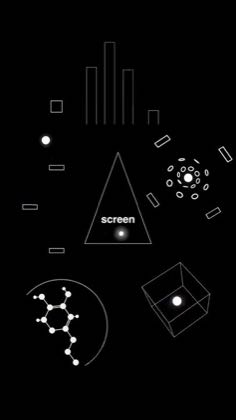
“All of these motion graphics that you're seeing on screen were generated using Codex inside the new ChatGPT desktop app and I'm going to show you how to do it.”
The opening line · 0:00 · move: howto
Opens on finished motion graphics, then shows the exact ChatGPT desktop, Codex plugin, reference-style, revision, and export workflow behind them.
@Ben Kaluza | Creator Resources · 506.4K followers · creator page →
- 0:00All of these motion graphics that you're seeing on screen were generated using Codex inside the
- 0:04new ChatGPT desktop app and I'm going to show you how to do it. So firstly you want to download
- 0:09the ChatGPT desktop app, switch it over to Codex and then click on plugins. These allow you to
Open on the surprising image or conversation, reveal the minimal prompt, then stack follow-up edits until ChatGPT feels like a collaborator rather than a generator.
AI educators and app-tutorial publishers demonstrating image generation, editing, and live voice · 34 creators · 41 posts
Open the full playbook →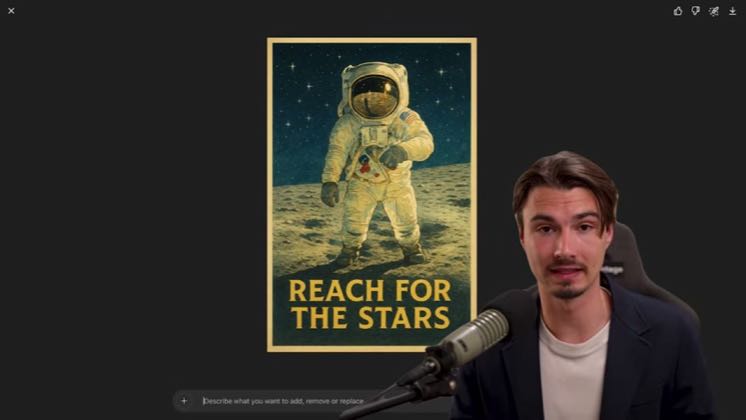
this post · other creators who ran it
@Ben Kaluza | Creator Resourcestiktok · 506.4K followers · median 23.9K views · n=60best post16.1K0.7×views · for ChatGPTUnknown “#ChatGPT_Partner” and “check out Codex for yourself inside the new ChatGPT desktop app” publicly identify an explicit partner promotion; whether this included a base fee or standing role is unverified — https://www.tiktok.com/@benkaluza/video/7668748947858476310Open creator →Views and likes are public counts at capture time. The multiple compares this post with the creator’s own recent median, not a claim about what caused its reach. Read the methodology →