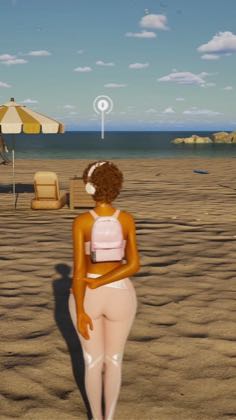
 PROGRAM1:08
Plays here · Open on tiktok ↗
“So when you hit Ctrl+Shift+C, this is what the cheat menu looks like in inZOI now.”
The opening line · 0:00 · move: howto
Demonstrates the redesigned cheat menu from keyboard shortcut through money, needs, skills, pregnancy and job controls, keeping the actual UI full-screen as proof of each claim.
@thebonnetsimmer · 188.2K followers · 19 of 30 recent posts mention inZOI · creator page →
- 0:00So when you hit Ctrl+Shift+C, this is what the cheat menu looks like in inZOI now.
- 0:05Like for instance, if I want to add money to them, I just type in money.
- 0:09And then look, I can type in the amount that I want, or you can hit the presets that are down here,
Convert a release or early-access build into a numbered lesson, show each setting or feature in the live UI, and retain the audience for the next update.
Repeat tutorial creators and inZOI Partner educators · 4 creators · 12 posts
Open the full playbook →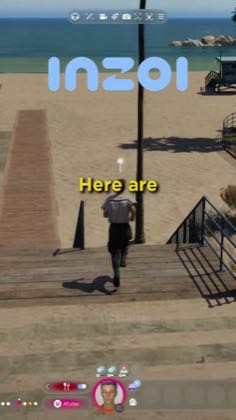
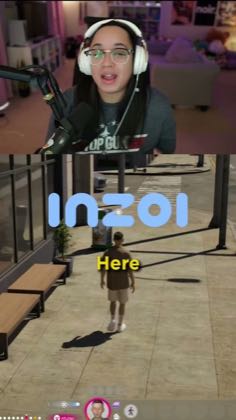
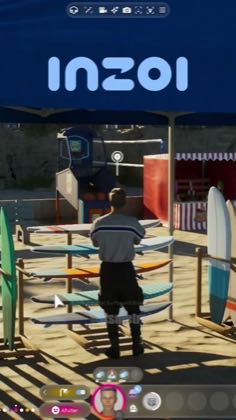
this post · other creators who ran it
@thebonnetsimmertiktok · 188.2K followers · median 52.7K views · n=60best post877.7K16.7×views · for inZOIprogram Exact current captions use `#InZOIPartner`; a creator-code mention additionally supports affiliate revenue share, but neither proves a paid post. https://www.tiktok.com/@thebonnetsimmerOpen creator →Views and likes are public counts at capture time. The multiple compares this post with the creator’s own recent median, not a claim about what caused its reach. Read the methodology →