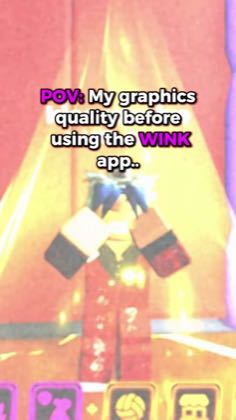
 0:16
0:16Plays here · Open on tiktok ↗
“POV my graphics quality before using the wink app.”
The opening line · 0:00 · move: pov
Makes blurry Roblox footage the “before,” flashes the sharpened Wink result, then shows Image Quality, clip selection and the Game option before telling viewers to get Wink and stop posting bad quality.
@Kio · 168.8K followers · 0 of 30 recent posts mention Wink · creator page →
- 0:00POV my graphics quality before using the wink app.
- 0:10First, find image quality,
- 0:11then choose the game option.
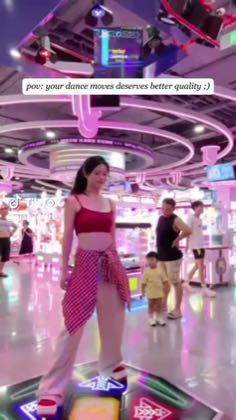
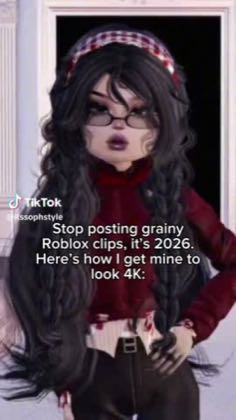
Preserve the creator's native fandom or gaming workflow, then place Wink at the end as the quality-repair layer that turns a blurry fan cam or compressed mobile edit into the shareable result.
K-pop, anime, Roblox and mobile-gaming editors · 27 creators · 27 posts
Open the full playbook →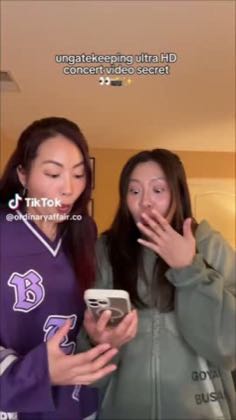
this post · other creators who ran it
@Kiotiktok · 168.8K followers · median 137.3K views · n=15best post310.4K2.3×views · for WinkUnknown The caption says `This Is How I Get 4K Quality On My Videos! - Wink` with `#Wink`, proving Wink attribution; the target object exposes `isAd: true`, but the bounded current-page check did not render a post-specific visible disclosure label, so the commercial relationship remains unknown — https://www.tiktok.com/@kioamiri/video/7616361958807309589Open creator →Views and likes are public counts at capture time. The multiple compares this post with the creator’s own recent median, not a claim about what caused its reach. Read the methodology →