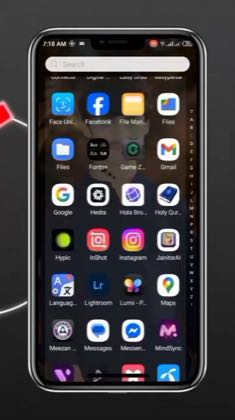
 0:28
0:28Plays here · Open on tiktok ↗
“HD Quality video Editing — Wink”
The opening line · 0:00 · move: howto
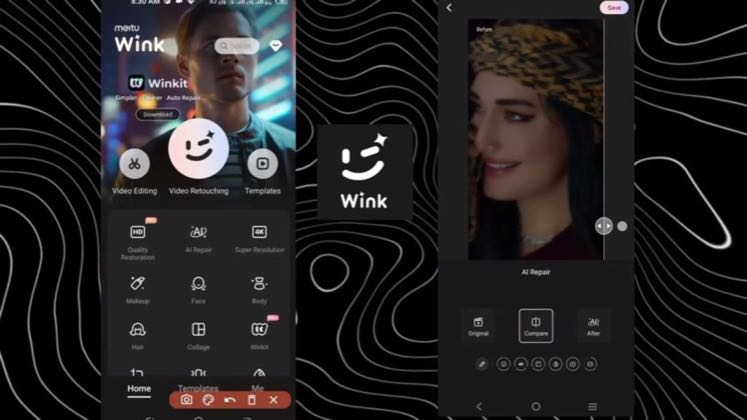
Runs a music-only phone tutorial through Wink's 1080P, Night View, Denoise and Frame Interpolation controls, then holds on the AI Repair comparison and saved portrait.
@farooq_editor_009 · 103.4K followers · 0 of 30 recent posts mention Wink · creator page →
- 0:00HD Quality video Editing — Wink
- 0:08Best solutions for you — Quality Restoration — Super Resolution 1080P — AI Color — Night View — Denoise — Frame Interpolation — Auto
- 0:20Processing — Before / After — AI Repair — Original / Compare / After — Save
Answer the high-intent 4K, blur-repair and face-smoothing query with the real Wink interface, one source file and a side-by-side result, so search utility—not creator fame—carries discovery.
Mobile-edit tutorial and AI-tool review channels · 93 creators · 110 posts
Open the full playbook →

this post · other creators who ran it
@farooq_editor_009tiktok · 103.4K followers · median 1.4K views · n=60best post657.6K473×views · for WinkUnknown The caption says `Wink App Ultra HD Quality video Editing`, proving Wink attribution; the target object exposes `isAd: false` and no post-specific disclosure, affiliate link, or standing relationship was visible, so the commercial relationship remains unknown — https://www.tiktok.com/@farooq_editor_009/video/7514157584039906567Open creator →Views and likes are public counts at capture time. The multiple compares this post with the creator’s own recent median, not a claim about what caused its reach. Read the methodology →