 0:43
0:43Plays here · Open on tiktok ↗
“4K VIDEO QUALITY TUTORIAL - Part 3”
The opening line · 0:00 · move: howto
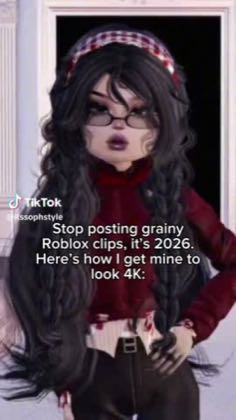
Pairs a CapCut filter-and-lens recipe with Wink's Image Quality, Super Resolution, Denoise and AI Color controls, then closes on the sharpened portrait as proof.
@CUT CRAZE STUDIO · 64.2K followers · 6 of 30 recent posts mention Wink · creator page →
- 0:004K VIDEO QUALITY TUTORIAL - Part 3
- 0:06CapCut: Filters — Natty; Lens — Soft
- 0:18Export — 1080P
Preserve the creator's native fandom or gaming workflow, then place Wink at the end as the quality-repair layer that turns a blurry fan cam or compressed mobile edit into the shareable result.
K-pop, anime, Roblox and mobile-gaming editors · 27 creators · 27 posts
Open the full playbook →

this post · other creators who ran it
@CUT CRAZE STUDIOtiktok · 64.2K followers · median 33.3K views · n=60best post3.5M105×views · for WinkUnknown The caption names `#winkapp #wink` in a `#4kvideoqualitytutorial`, proving Wink attribution; the target object exposes `isAd: false` and no post-specific disclosure, affiliate link, or standing relationship was visible, so the commercial relationship remains unknown — https://www.tiktok.com/@cut.craze.studio/video/7430815937051380997Open creator →Views and likes are public counts at capture time. The multiple compares this post with the creator’s own recent median, not a claim about what caused its reach. Read the methodology →