 0:14
0:14Plays here · Open on instagram ↗
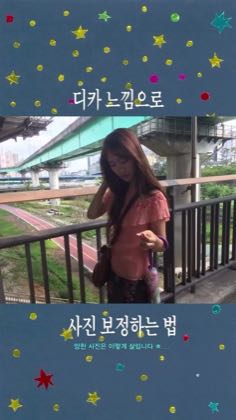
“디카 느낌으로 사진 보정하는 법”
The opening line · 0:00 · move: howto
Turns a named Meitu effect into a reproducible screen workflow, moving from the source photo through the named control to a finished result before a credit only CTA.
@guri 구리 · 33.2K followers · 0 of 11 recent posts mention Meitu · creator page →
- 0:00딥한 느낌으로 고정하는 마음 알려드릴게요.
- 0:02슬래시 기능으로 바로 들어가죠.
- 0:03그럼 자동으로 이렇게 고정이 되는데
Give each local creator one named feature and a source-photo-to-result arc, but let her native beauty language, objection and use case decide how the walkthrough sounds.
Regional beauty, lifestyle and editing KOCs · 48 creators · 52 posts
Open the full playbook →


this post · other creators who ran it
@guri 구리instagram · 33.2K followers · median 792 likes · n=30best post8.7K0.7×views · for MeituUnknown `찾았다…디카 없이 디카 느낌 내기! 요즘 디카 느낌 사진이 많이 보이는데 사기엔 넘 비싸잖아요 ㅎ 그래서 가성비로 메이투에서 보정하는데 버튼 하나 딸깍 누르니까 어두워서 갤러리에 잠자고 있던 사진…` identifies Meitu; the public post proves tool attribution only, while the commercial relationship is unverified — https://www.instagram.com/reel/DbIFScmzcp6/Open creator →Views and likes are public counts at capture time. The multiple compares this post with the creator’s own recent median, not a claim about what caused its reach. Read the methodology →