Loading the library…
 PROGRAM1:07
The anchor — the post this playbook is read from.
Open the post page →
Playbook
OpenArt Worlds: build, explore, and capture a 3D scene
OpenArt creators explain a virtual-set workflow: build one navigable world, choose an angle within it, and generate a shot from that view.
Who runs it Third-party AI tutorial and product-demo creators on Instagram.
131.5Kviews tracked · 4 posts4creators ran it86.4Kbest post
program
Not dissected yet. The captured frames and transcript are the available evidence.
The script19 lines · 1:07 · @Raoul van Mullem | Viral Video Coach for OpenArt
- 0:00This is the build-up effect, and for the first time you're not just generating scenes, you're controlling them.
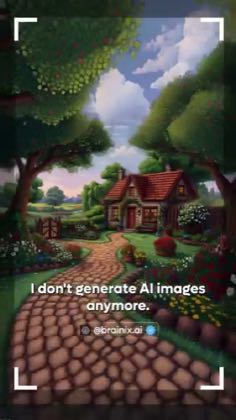
- 0:05And what makes this so powerful is that you're not just generating images anymore,
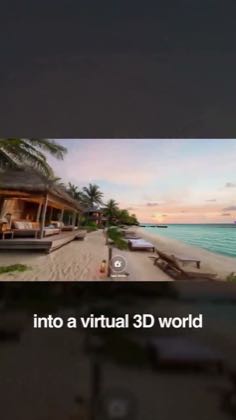
- 0:09you're creating a world you can actually move through. Let me show you how it works.
16 more linesmembers read and copy every script on the site
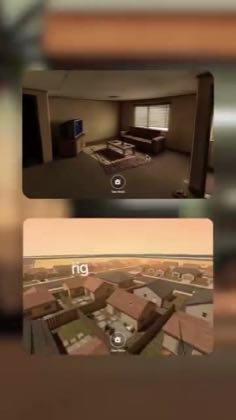
These moves recur across the cited posts. Wording and execution vary; this is not one combined video timeline.
- Describe creating a navigable world from a prompt or image
Read the source quotes
To create your world, you can either type a prompt or upload an image with a prompt.
Open the source post →OpenArt just introduced worlds where you can take an image and turn it into a full environment you can actually move through.
Open the source post →I input a prompt describing my environment. OpenArt generates a fully navigable 3D world where I can move through the environment like I'm inside a virtual film set.
Open the source post →I start with a simple prompt, and it generates a full 3D world, not an image, an actual environment I can move inside.
Open the source post → - Explore or explain choosing a camera angle inside that world
Read the source quotes
You can walk around, explore different angles and find the exact shot you're looking for.
Open the source post →You build the space once, and it doesn't change. You can move through it, choose your angle, and frame exactly what you want.
Open the source post →Then I find the angle I want, I tap "take shot" and type a prompt describing the scene.
Open the source post →
This playbook belongs to a structure shared across brands. Its member videos count toward each structure’s total. Open a structure to compare the grouped playbooks.