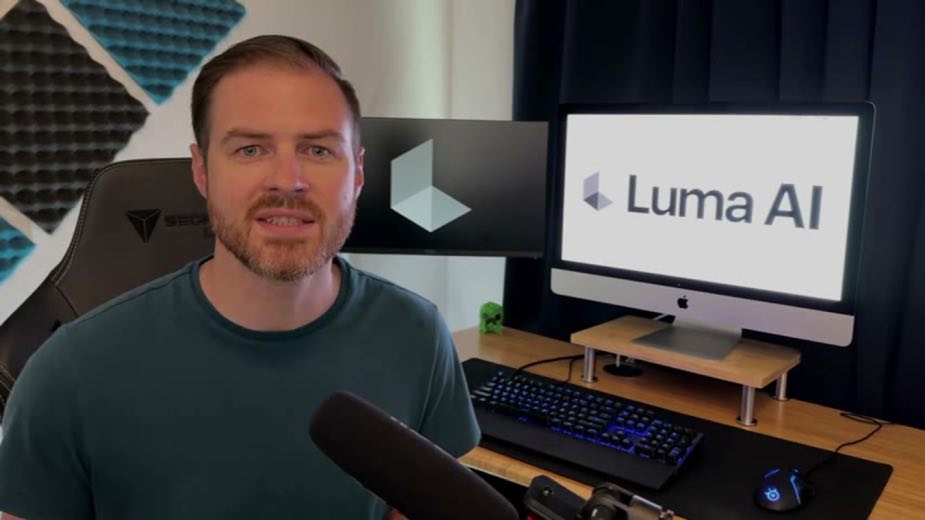
 1
1HOOK · howtoDisclose and promise utility0:00
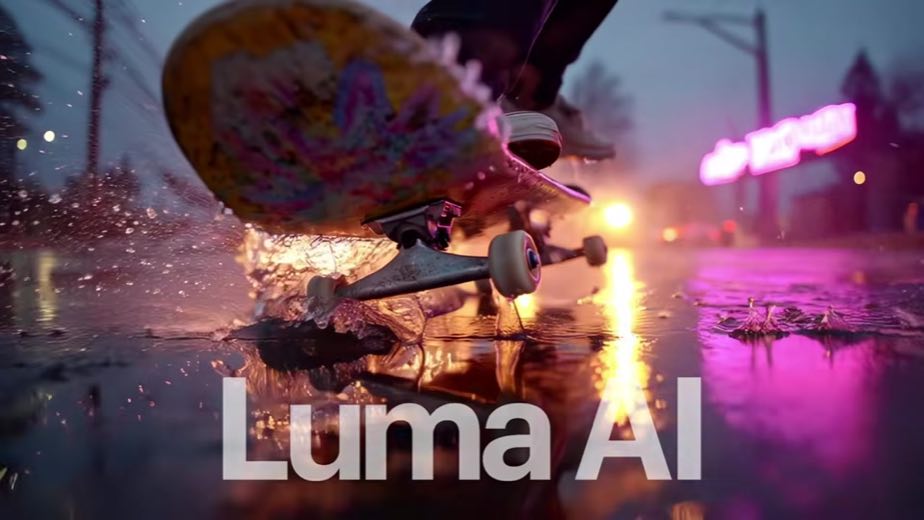
Today, I'm explaining how to get the most out of Dream Machine, an AI video generation
 PAID8:33
The anchor — the post this playbook is read from.
Open the post page →
Start with a real movement the viewer can recognize, replace the subject or setting with Modify, then show that the original timing and motion survive.
Who runs it VFX, architecture, marketing, and general AI educators turning ordinary source footage into a controlled transformation
1Today, I'm explaining how to get the most out of Dream Machine, an AI video generation
 2
2When you log in, the layout is simple.
 3
3The feature that I've been most impressed with is modify video.
 4
4With the clip open, I clicked on modify, and a box popped up at the bottom for me to specify the
 5
5When modifying a clip instead of just describing what
 6
6Here are a few things that I learned while testing.
 7
7Dream Machine also has reframe which lets you resize and expand videos without awkward cropping.

 PAID19.4×@AI Savvyyoutube12.6K views
 38.9×@Kostika Lalayoutube8.7K viewsPAID@Anson Alexanderyoutube6.3K views
 PAID@Thomas Lundströmyoutube5.6K views
 PAID49.5×@Emily Kramer of MKT1 & Dear Marketersyoutube5.3K views
Earlier playbook analysis · not fully re-reviewed in the latest pass
This playbook belongs to a structure shared across brands. Its member videos count toward each structure’s total. Open a structure to compare the grouped playbooks.
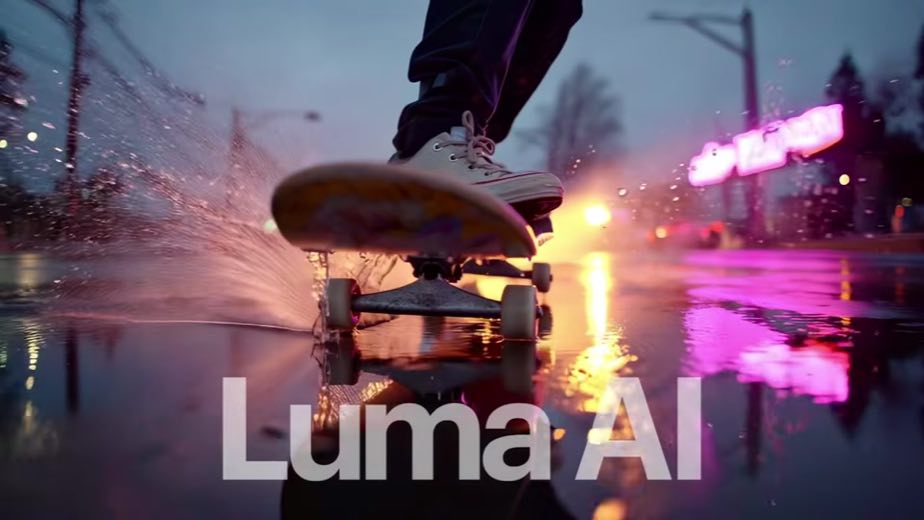
Now let's talk about Ray 3, Luma AI's newest model and one of the biggest
 9
9Now what about pricing?
 10
10So just a quick recap.
 11
11If you want to try it yourself,