 1
1HOOK · howtoState the lesson0:00
Hello guys, today I will show you how to use Kiber AI.
 1:50
1:50The anchor — the post this playbook is read from.
Open the post page →
Make model aggregation legible by showing one asset travel through prompts, blocks and generation rather than reciting the model list.
Who runs it Search-led tutorial channels and AI-tool educators record the live interface from blank canvas to generated asset
1Hello guys, today I will show you how to use Kiber AI.
 2
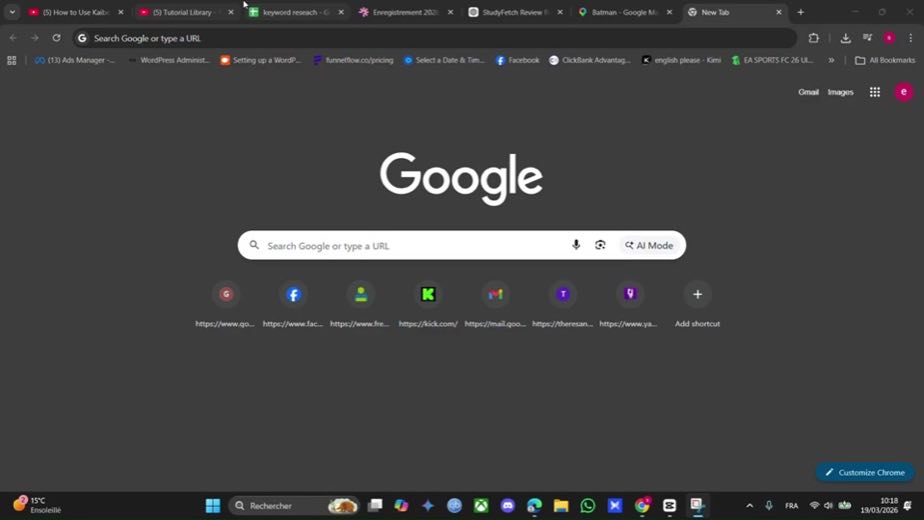
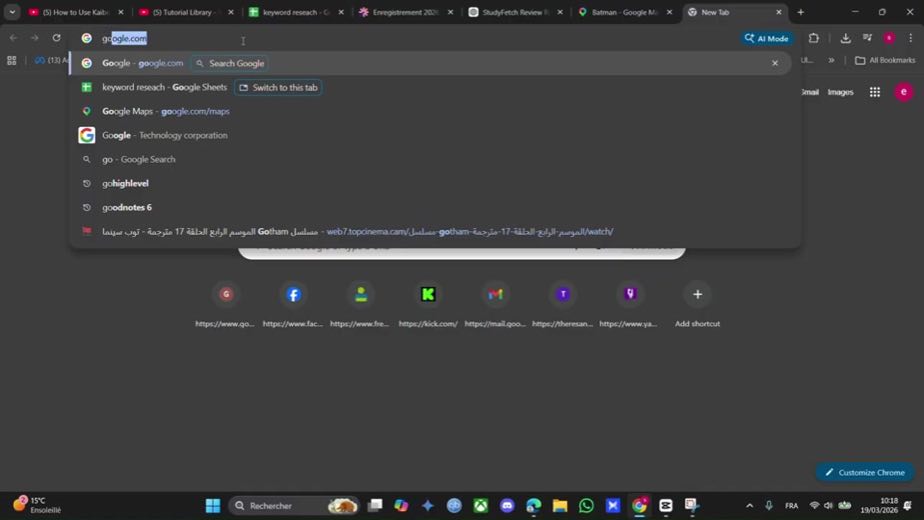
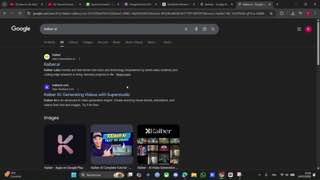
2So first head over to Google and type in "Kiber AI".
 3
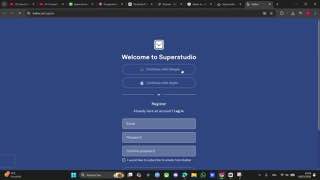
3So let's log in with our Google account here.
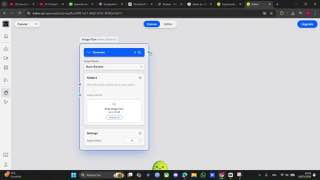 4
4And now here we have to create, for example, typing "Create an image".
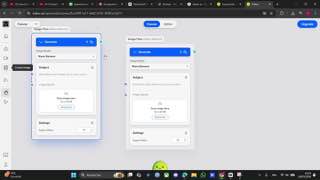 5
5So you can use a workflow which is a text prompt or any other, for example text prompt or image,
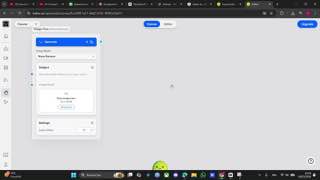 6
6You can also add other blocks so you can upload media, create a video or add assets.
 7
7We upload an image here and we're able to create our final image using KPI or we can use also a text prompt.
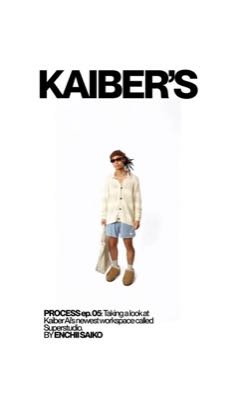 6.9×@enchiisaikotiktok113.9K views
 11.3×@nomadatoasttiktok108K views
 AFFILIATE4.8×@Connor Jaksik | AIyoutube19.9K views
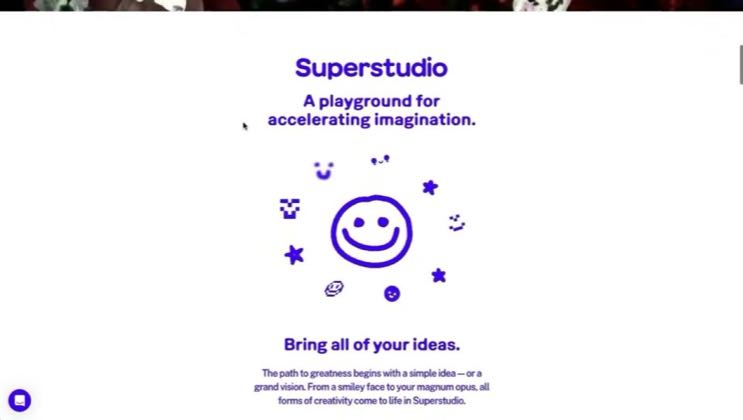 PAID7.3×@Ai Toolboxyoutube6.8K views15.2×@SkillSparkGuruyoutube61 views
Earlier playbook analysis · not fully re-reviewed in the latest pass
This playbook belongs to a structure shared across brands. Its member videos count toward each structure’s total. Open a structure to compare the grouped playbooks.
If you found this video helpful, please consider to like and subscribe and leave a comment.