 1
1HOOK · otherClear the creator's usual disclaimer0:00
Please note this video is only for educational purpose, I am not your financial advisor,
 AFFILIATE6:46
The anchor — the post this playbook is read from.
Open the post page →
Show the damaged input first, run one visible enhancement workflow, inspect the result side by side, then repeat on a different image class before asking for the tracked-link click.
Who runs it AI-tool tutorial and review channels
1Please note this video is only for educational purpose, I am not your financial advisor,
 2
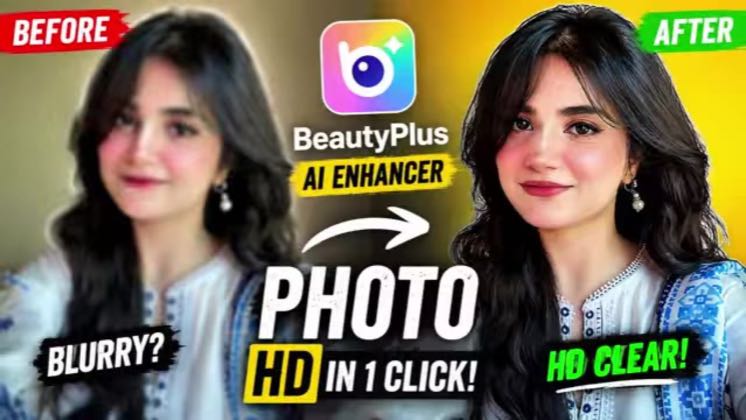
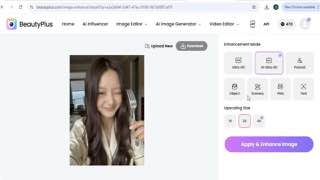
2lots of AI tools but today we will explore beauty plus AI photo and enhance edit photos
 3
3We will take a closer look at features like AI image enhancer, AI image upscaler, unbloor
 4
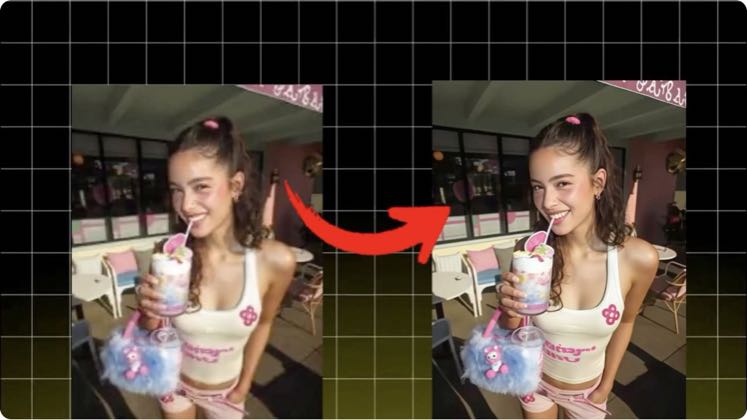
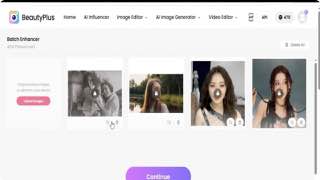
4Here you can check out, I have uploaded a blurry low quality photo.
 5
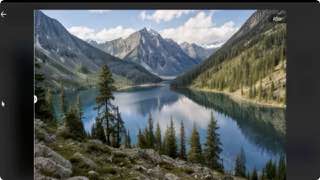
5complete and now you can check out the quality, wow it's really amazing, here is the full
 6
6Friends, let's try and I will upload another image, here is the image that I have uploaded.
 7
7and you want to enhance 50+ photos, in just a few seconds, then beauty plus is here and
Earlier playbook analysis · not fully re-reviewed in the latest pass
This playbook belongs to 2 structures shared across brands. Its member videos count toward each structure’s total. Open a structure to compare the grouped playbooks.
 8
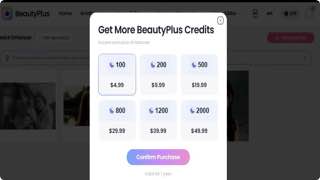
8get your subscription, here are some plans, you can subscribe any plan and you can start