Creator · youtube
@Scenario
Welcome to our YouTube channel! Here, you'll learn to work smarter, create faster, and take full control of your AI workflows💡 Subscribe for tips and tutorials to enhance your workflows.
3.7Kfollowers1.6Kmedian recent views · n=42 posts8.1K · 5.2×best post · Scenario · vs own median1apps in the library · 0 with a standing program30posts audited
2025-11audited posts / month2026-10
0 standing programs, 1 ambassador-level feeds and 0 disclosed paid relationships in this sample. Repeated posting describes dedication; it does not prove a fee.
ScenarioImage gen · 30 posts audited
ambassadorby feed or public role
Recent feed25 of 30 posts mention it
8.1K5.2×2025-06-27
Brand-owned official channel; ownership proves product attribution but not a creator payment relationship: https://www.youtube.com/channel/UCCik71Dlopbh7i9gbvfHRuA The post that identifies it →
How they openNo script structure has been classified in this sample.
8.1K
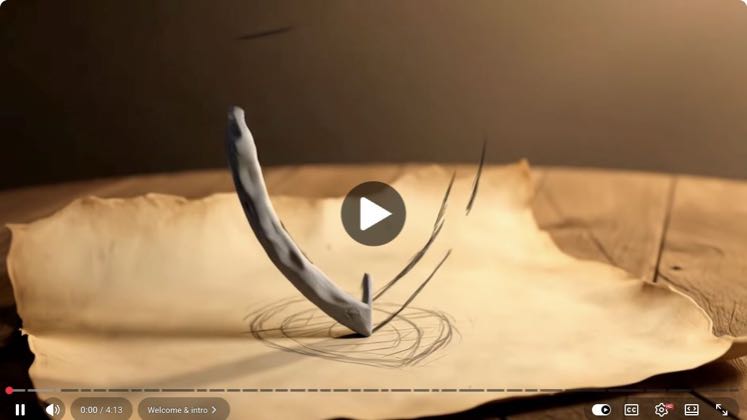
Welcome to this tutorial where we'll cover how to generate 3D models from images in Scenario.4.1K
Welcome to Scenario. Scenario is a powerful suite of AI tools that enables you to create3.5K
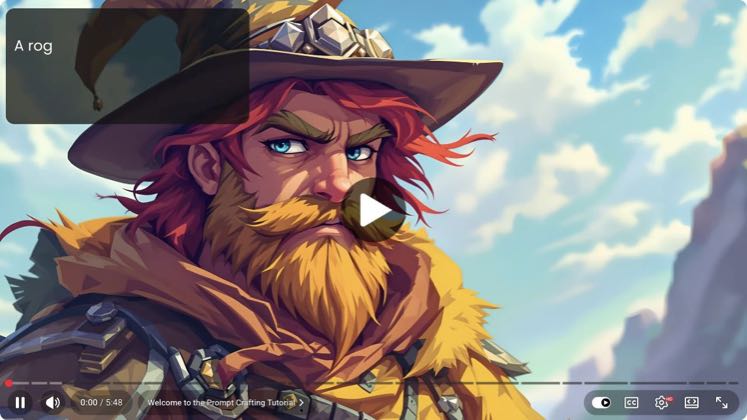
Welcome to this tutorial where we'll explore the best practices and tools for crafting effective prompts in Scenario, all tailored to the specific models you're using.3.3K
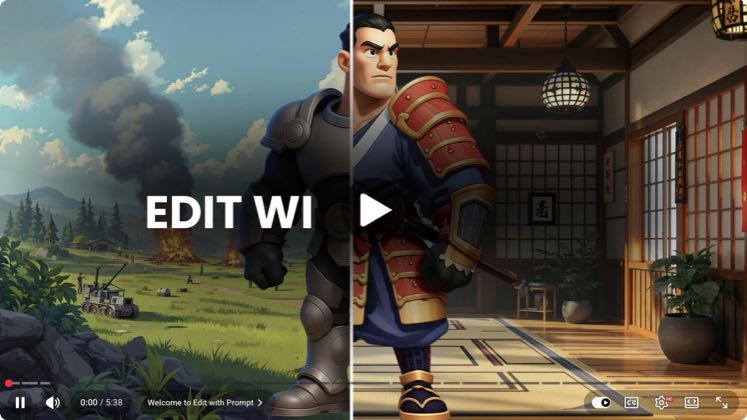
Welcome to this tutorial on Edit with Prompts, a Scenario tool
PAID5.2×8.1K views
Scenario · @Scenario
“Welcome to this tutorial where we'll cover how to generate 3D models from images in Scenario. Image to 3D lets you take any image, whether it was generated in Scenario or uploaded, and turn it into a 3D model in a few simple steps. It's a fast, flexible way to go from a flat visual reference to usable geometry, including mesh and textures.”
 PAID2.6×
4.1K views
Scenario · @Scenario
 PAID2.3×
3.5K views
Scenario · @Scenario
“Welcome to this tutorial where we'll explore the best practices and tools for crafting effective prompts in Scenario, all tailored to the specific models you're using. Mastering advanced prompting will help you better guide your generations and achieve more precise results aligned with your goals.”
 PAID2.1×
3.3K views
Scenario · @Scenario
“Welcome to this tutorial on Edit with Prompts, a Scenario tool that lets you create or modify images using simple natural language instructions. Simply describe the changes you want to make to an image, and the AI will apply those edits directly to your visual. You can use it to add or remove objects, change colors or textures, modify poses or facial expressions, swap backgrounds, and more, just by providing a few instructions.”
 PAID2.1×
3.2K views
Scenario · @Scenario
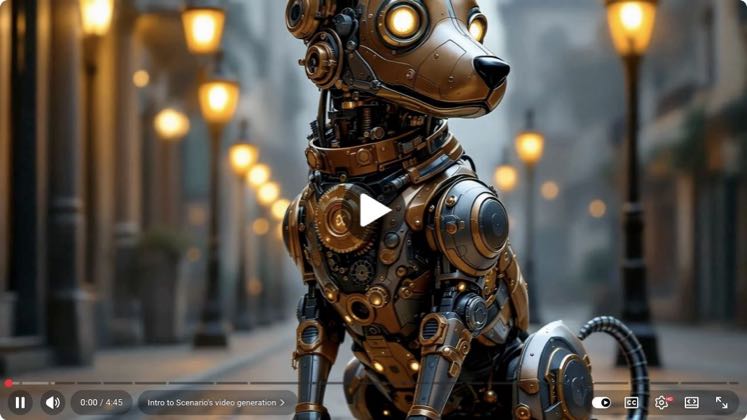
“Welcome to this tutorial on video generation in Scenario. With Scenario's video generation capabilities, you can animate your images in seconds with precise control and a workflow built for speed and productivity. Scenario offers a wide selection of cutting-edge video models, easily comparable, so you can quickly find the best fit for your style or use case. With advanced prompt assistance and intuitive controls, you can guide the animation easily. It's designed for fast, reliable workflows. In this walkthrough, you'll learn how to generate high-quality videos with precision, choose the right model for your goal, and shape your results using different inputs.”
 PAID
PAID2.6K views
Scenario · @Scenario
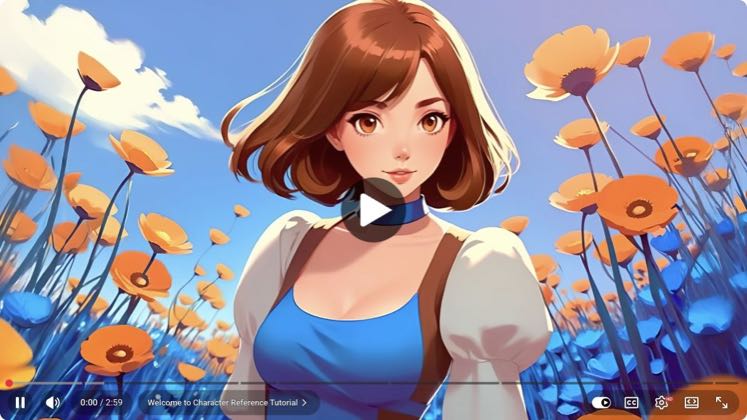
“welcome to this tutorial on using”
 PAID
PAID2.6K views
Scenario · @Scenario
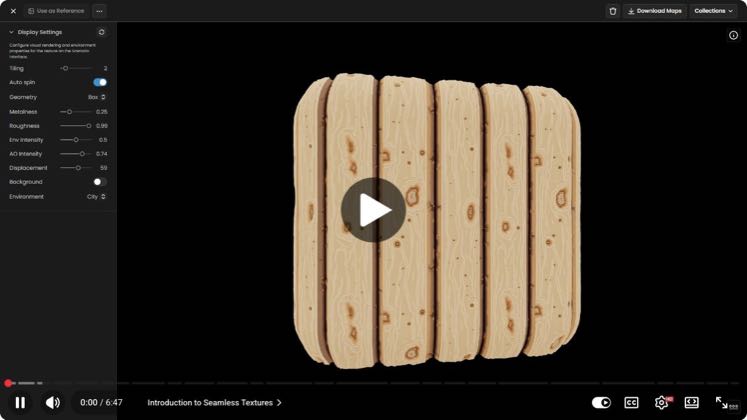
“welcome to this tutorial on creating”
 PAID
PAID1.9K views
Scenario · @Scenario
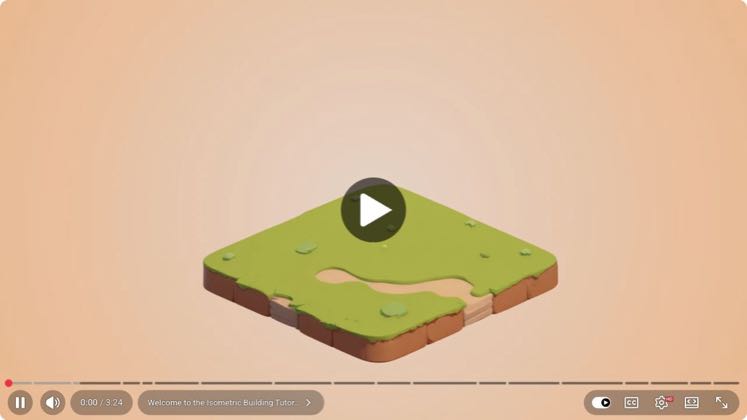
“welcome to this tutorial on using the”
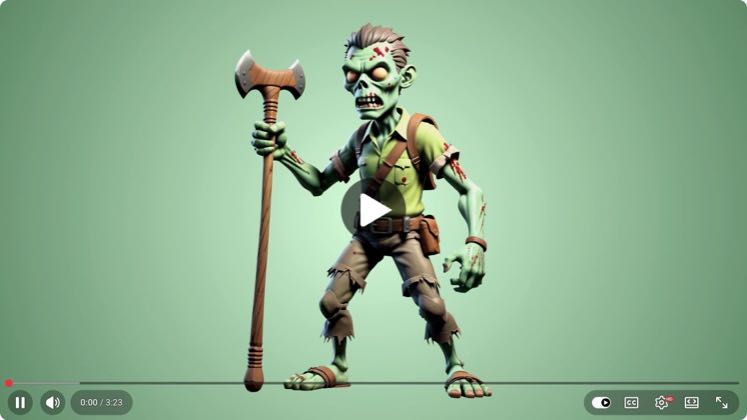 PAID
PAID1.9K views
Scenario · @Scenario
“welcome to this tutorial on using”
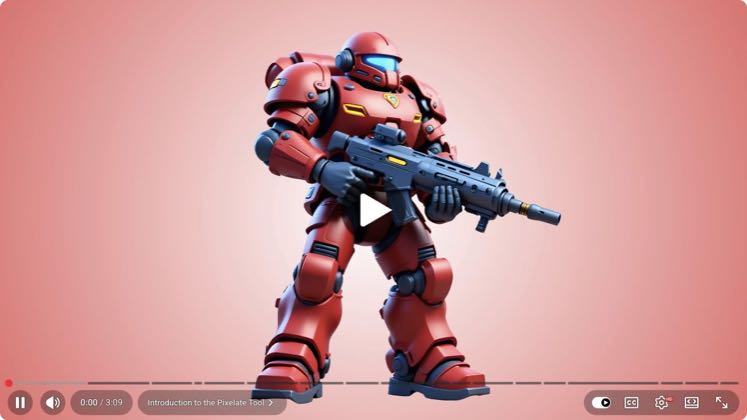 PAID
PAID1.8K views
Scenario · @Scenario
“welcome to this tutorial where we'll”
Show all 30 posts ↓
PAID2.6K views
Scenario · @Scenario
“welcome to this tutorial on creating”
PAID1.9K views
Scenario · @Scenario
“welcome to this tutorial on using the”
PAID1.9K views
Scenario · @Scenario
“welcome to this tutorial on using”
PAID1.8K views
Scenario · @Scenario
“welcome to this tutorial where we'll”
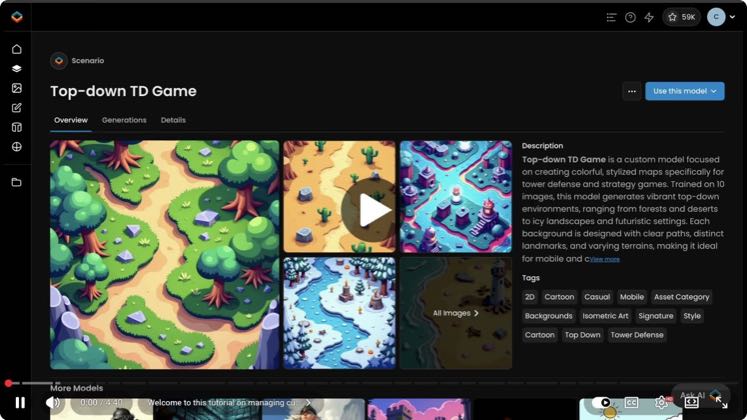 PAID
PAID1.8K views
Scenario · @Scenario
“welcome to this tutorial on managing”
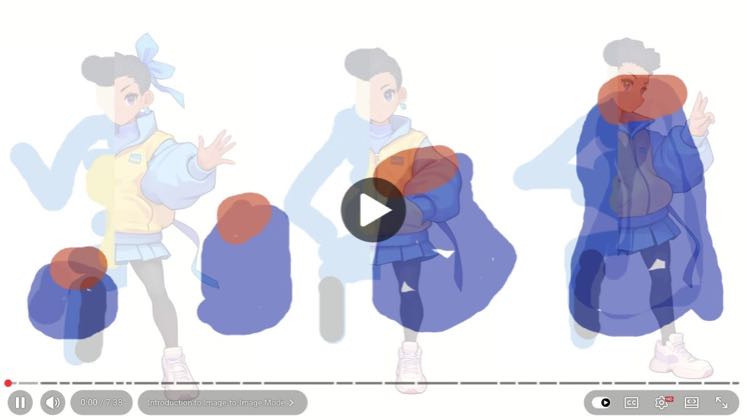 PAID
PAID1.6K views
Scenario · @Scenario
“welcome to this tutorial where we'll”
 PAID
PAID1.6K views
Scenario · @Scenario
“welcome to this new tutorial where we'll”
 PAID
PAID1.6K views
Scenario · @Scenario
“Welcome to this tutorial on scenario”
 PAID
PAID1.3K views
Scenario · @Scenario
“welcome to this tutorial where we'll”
 PAID
PAID862 views
Scenario · @Scenario
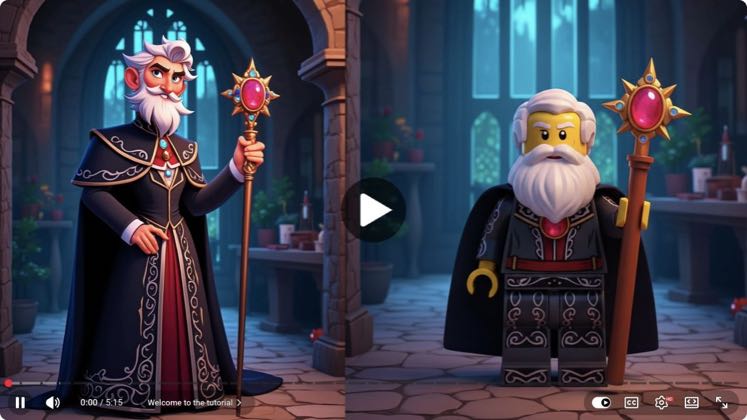
“welcome back to part two of our scenario”
 PAID
PAID835 views
Scenario · @Scenario
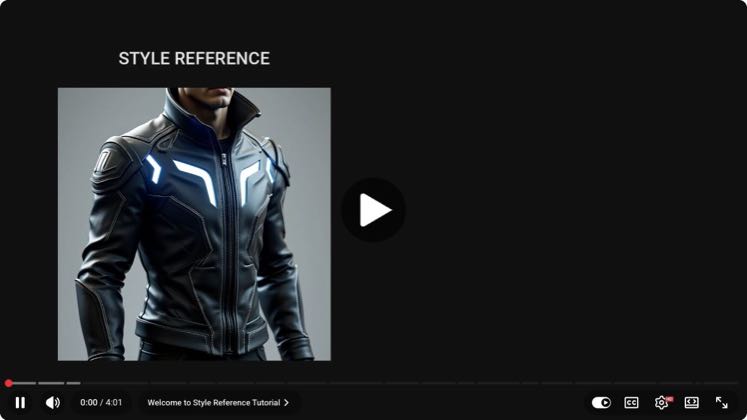
“Welcome to this tutorial on training”
 PAID
PAID832 views
Scenario · @Scenario
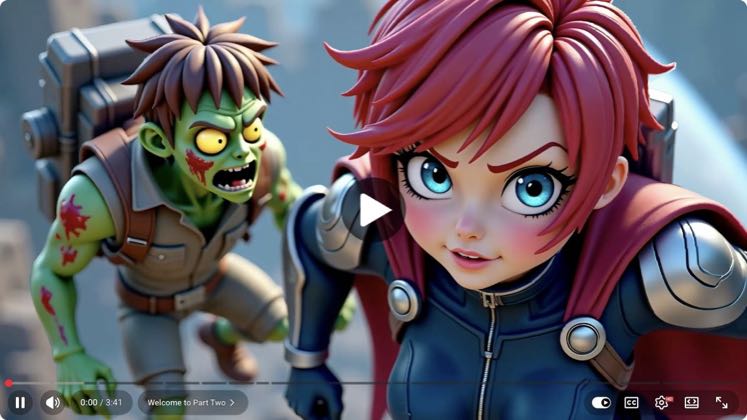
“welcome to this tutorial on style”
 PAID
PAID828 views
Scenario · @Scenario
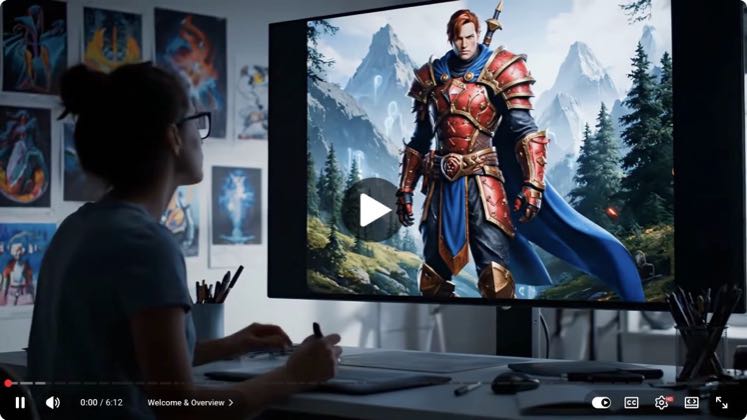
“Welcome to part two of our multi-”
 PAID
PAID808 views
Scenario · @Scenario
“Welcome to this tutorial on enhancing”
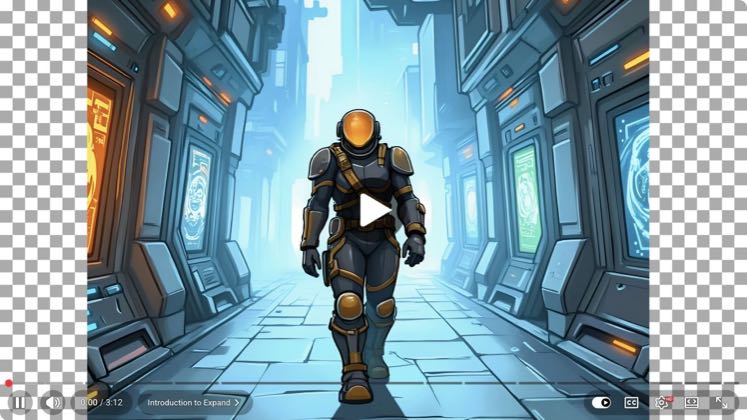 PAID
PAID782 views
Scenario · @Scenario
“welcome to this guide on using expand in”
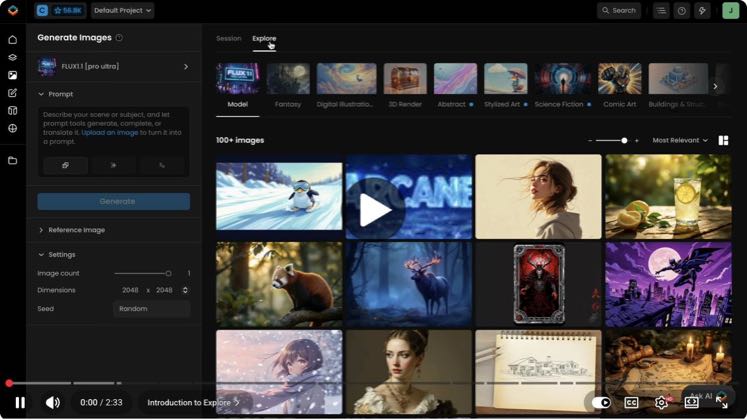 PAID
PAID615 views
Scenario · @Scenario
“Welcome to this tutorial where we'll”
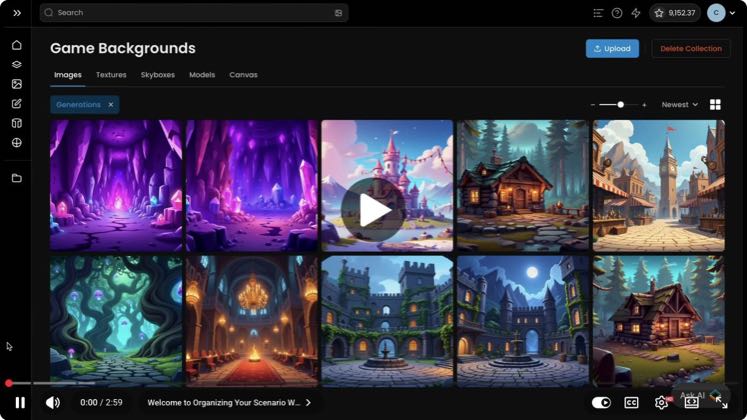 PAID
PAID517 views
Scenario · @Scenario
“welcome to this tutorial on organizing”
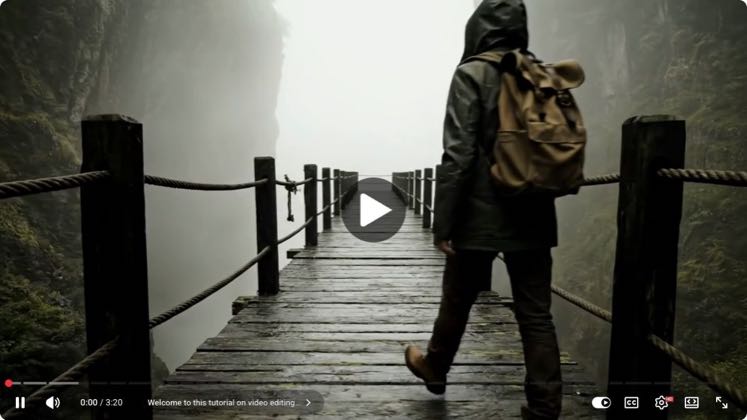 PAID
PAID426 views
Scenario · @Scenario
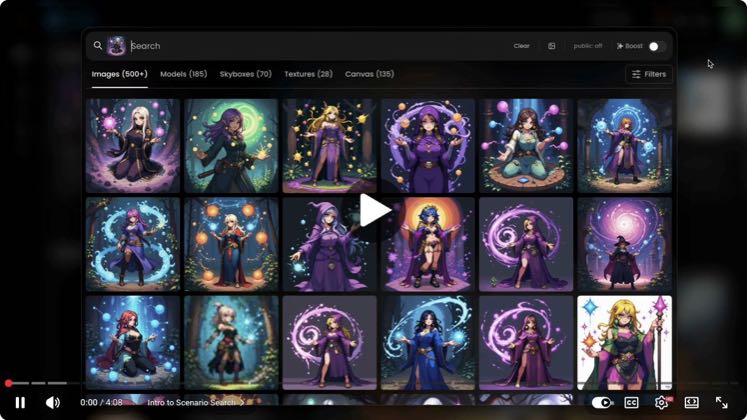
“Welcome to this tutorial on video”
 PAID
PAID401 views
Scenario · @Scenario
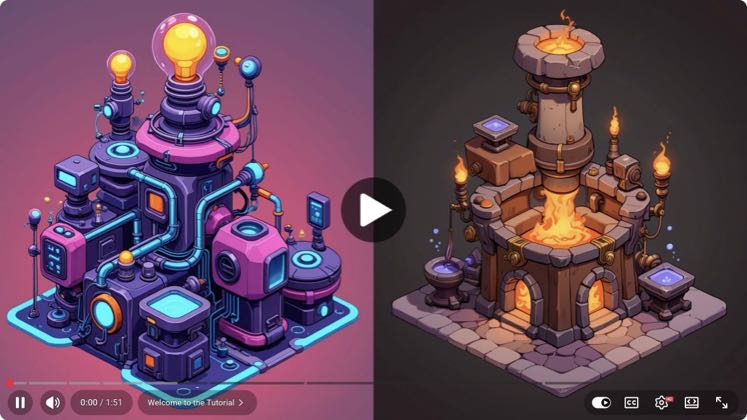
“welcome to this tutorial where we'll”
 PAID
PAID393 views
Scenario · @Scenario
“welcome to this tutorial on using”
 PAID
PAID340 views
Scenario · @Scenario
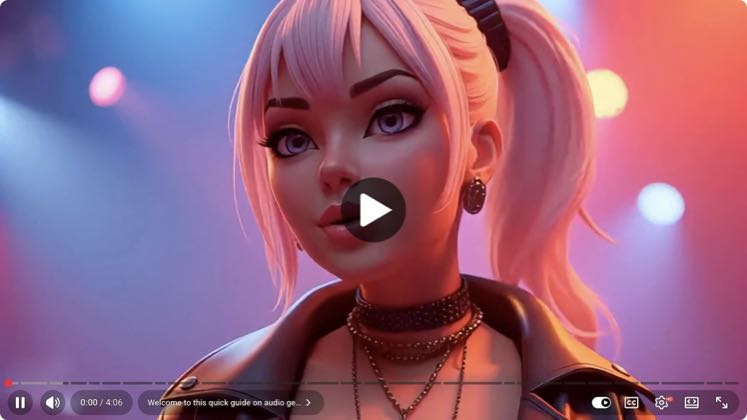
“Welcome to this quick guide on audio”
 PAID
PAID258 views
Scenario · @Scenario
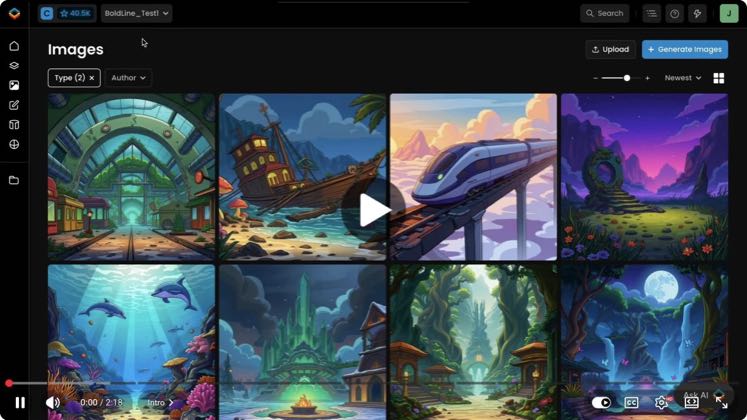
“Welcome to this tutorial where we'll”
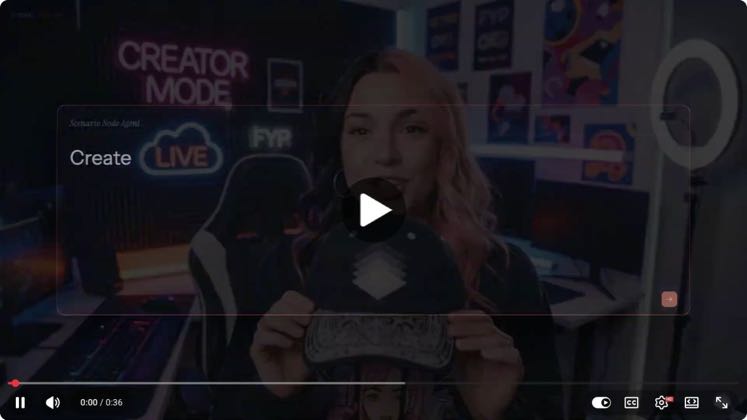 PAID
PAID163 views
Scenario · @Scenario
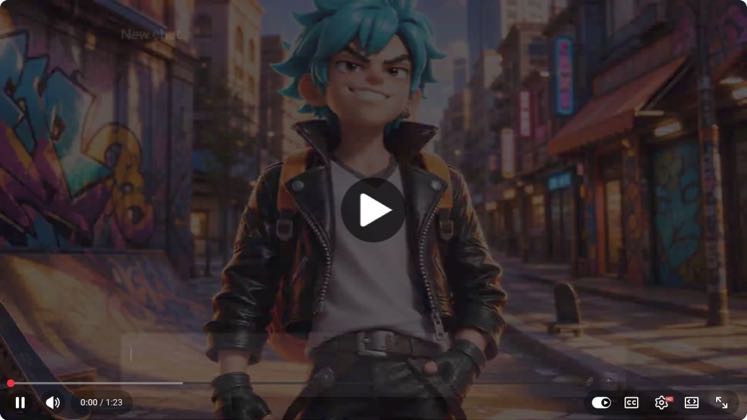 PAID
PAID135 views
Scenario · @Scenario
Followers, medians and views as captured in the research release. A multiple compares the post to the creator’s own recent median. Relationship labels describe the public evidence, never the amount paid. Definitions in the methodology.