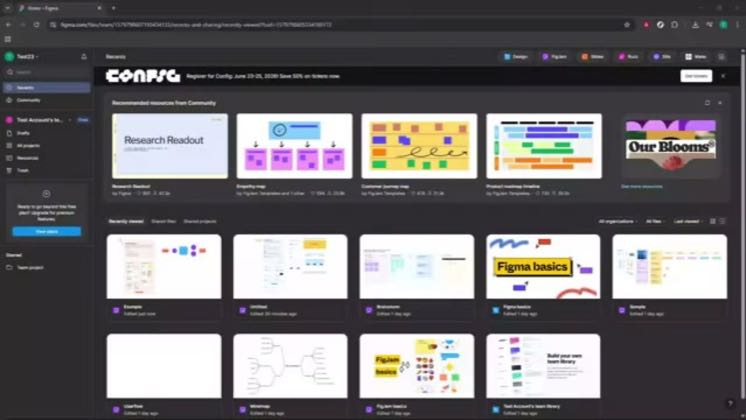
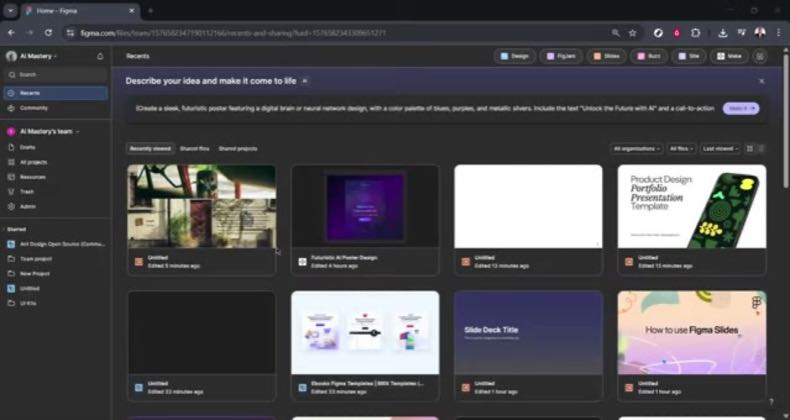
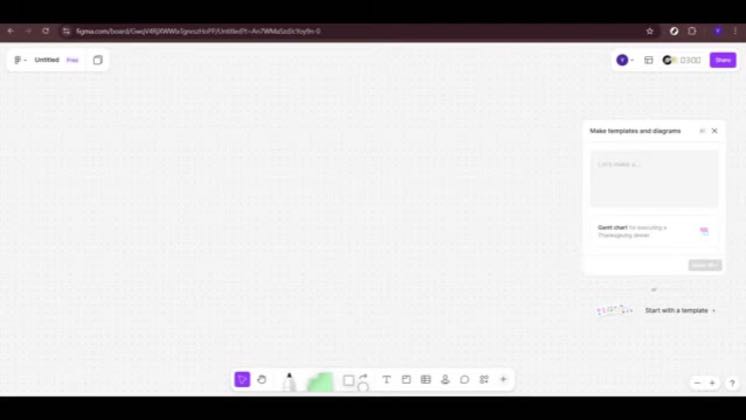
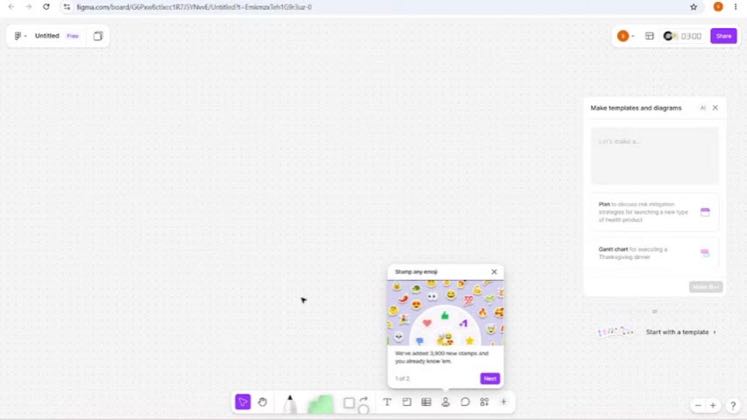
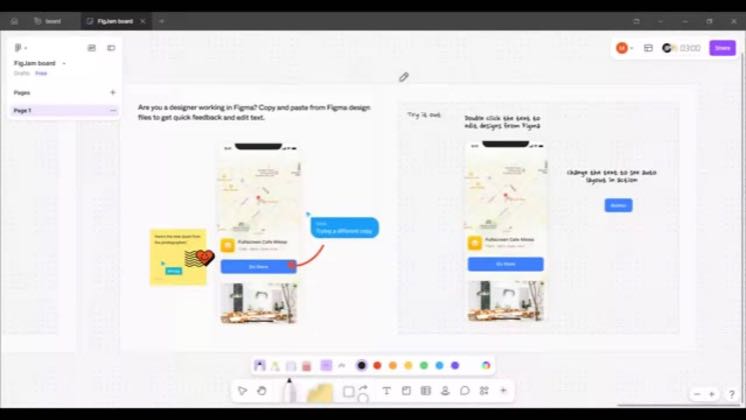
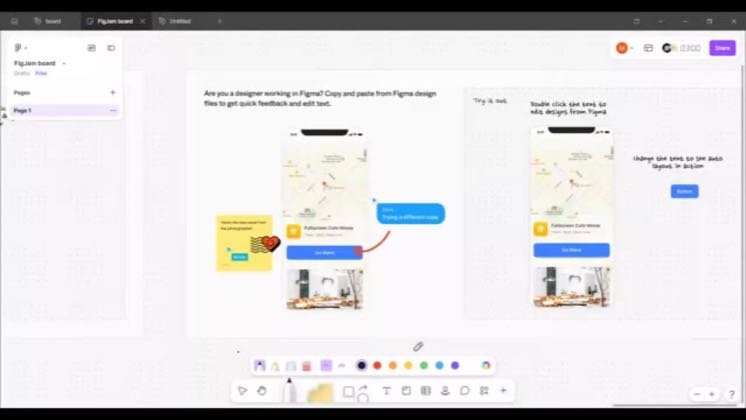
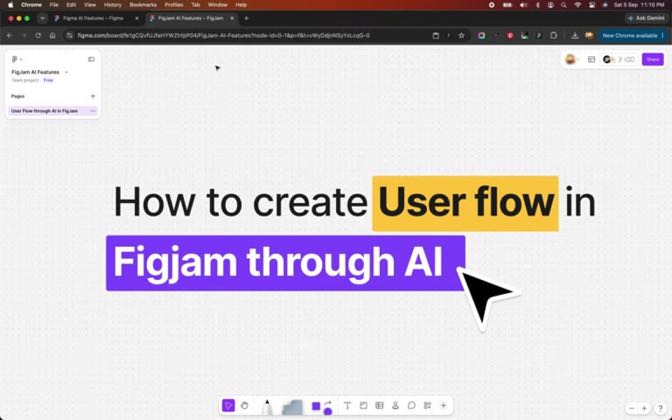
№1 Prompt → editable FigJam boardBrief to working buildproven ✓Begin with an idea or requirement in natural language, ask ChatGPT or FigJam AI for structure, then open the generated board for visual editing and collaboration.→
 3.3×▶11.1K@Nehmat Gereige | AI-Design Professor
Last week, OpenAI released the ability to implement applications from within chatGPT.1HOOK · revealFrame the integration as a designer's new entry point0:00
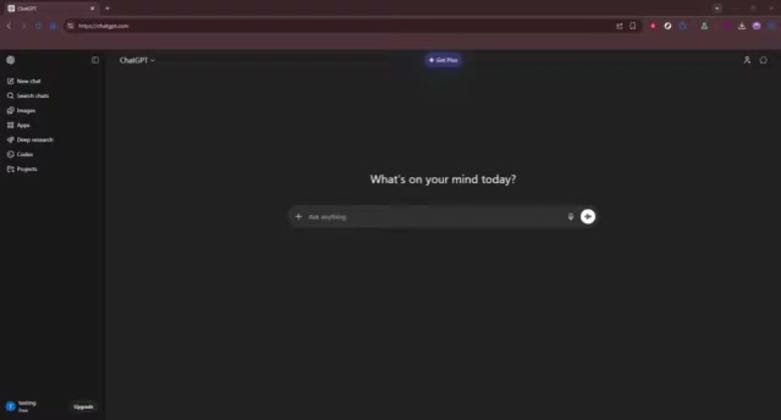
Right here I am in chatGPT to access Figma.2Ask for a UX and PM workshop0:30
Hit enter and it takes the prompt.3Show the first-use connection cost1:00
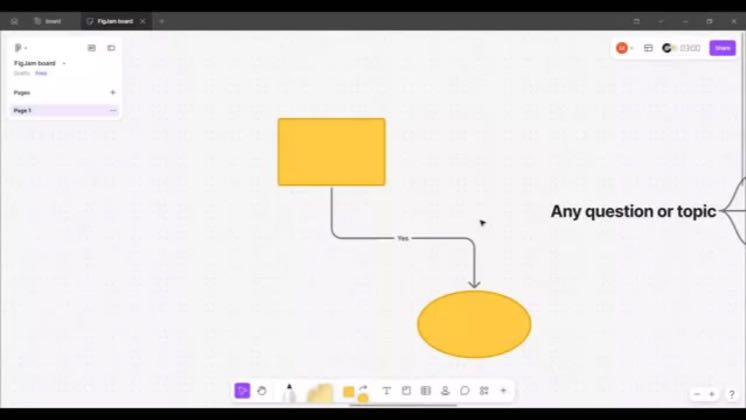
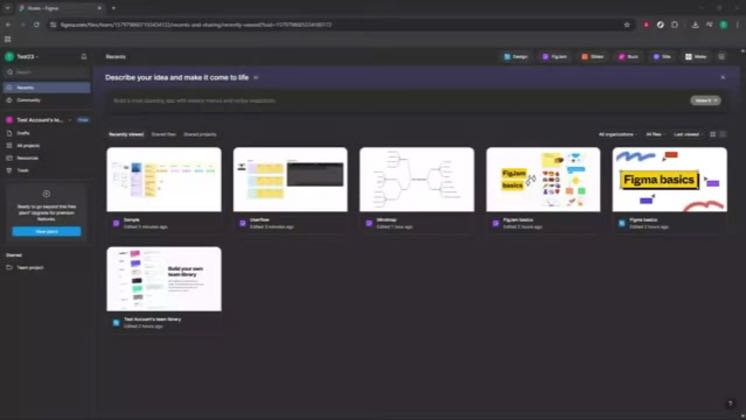
I can already see that it started some kind of user flow or information architecture.4Compare the returned flow with the requested workshop1:40
Now here, I would say this is an acceptable proof of concept.5Locate a plausible user despite the limitation2:59
13Kviews tracked↑3.3×a typical post vs the creator’s own median
 +15creators ran it · 5 posts3 of 5 beat 2× their own median · best 11.1K · 0 past 100K
+15creators ran it · 5 posts3 of 5 beat 2× their own median · best 11.1K · 0 past 100K